
Product Design and Development Course for Mechanical Engineers
Product Design and Development course in Bangalore at CADD Mentors. Learn product design methodology, 3D CAD, design for manufacturing, prototyping and product lifecycle concepts for mechanical engineers.
Course Details
Product Design and Development Course
Duration
60 Hours
Mode
Classroom + Online
Software
SolidWorks, AutoCAD + more
Eligibility
Engineering / Design students · Professionals
Certificate
Included on completion
Delivery
HSR Layout · Online India
About This Course
Product Design and Development Course for Mechanical Engineers at CADD Mentors covers the end-to-end product development process — from design brief and concept generation through 3D CAD modelling, design for manufacturing and assembly (DFM/DFA), material selection and prototype evaluation, to final drawing documentation and product lifecycle handover. This course is designed for mechanical engineering students and working professionals who want to contribute to product development and NPD teams.
CADD Mentors provides this course from our HSR Layout centre in Bangalore. Online training is available for students and professionals across India.
Best suited for:
Curriculum
What You Will Learn in Product Design and Development Course
Product design process: ideation, concept development, detailed design and validation
Design brief interpretation and functional requirement analysis
Concept generation techniques: morphological charts, TRIZ and sketching methods
3D CAD modelling for product design using SolidWorks for part and assembly
Design for Manufacturing (DFM): injection moulding, sheet metal and casting design rules
Design for Assembly (DFA): minimising part count, simplifying assembly sequence
Material selection principles: strength, weight, cost and environmental impact
Tolerance analysis and GD&T application in product drawings
Rapid prototyping concepts: 3D printing, SLA and CNC machining for prototype evaluation
Product lifecycle management: ECR/ECO process, design versioning and documentation
Course Structure
Product Design and Development Course — Syllabus Modules
Module 1 – Product Design Process and Methodology
Product development stages, design brief, customer requirements, concept generation and selection techniques.
Module 2 – CAD for Product Design
SolidWorks part modelling, surfacing and assembly for consumer and industrial product geometry.
Module 3 – Design for Manufacturing
DFM rules for injection moulding, sheet metal, casting and machining with practical component redesign exercises.
Module 4 – Design for Assembly
DFA principles: part count reduction, assembly sequence planning and poka-yoke design features.
Module 5 – Material Selection
Engineering materials: metals, polymers and composites — selection for strength, weight, cost and manufacturability.
Module 6 – Tolerances and Fits
Dimensional tolerancing, fits and clearances, GD&T application and tolerance stack analysis for assemblies.
Module 7 – Prototyping and Validation
Prototype types: appearance models, functional prototypes and pre-production units — 3D printing and CNC overview.
Module 8 – Documentation and PLM
Engineering drawings, BOM management, ECR/ECO process, design review checklist and handover to manufacturing.
Not sure if this course is right for you?
Talk to a counsellor before you enrol - no commitment required.
Hands-On Learning
Course Project Examples
These are example project tasks you will practise during the training. Visuals are illustrative — they represent the type of work covered, not actual student output.
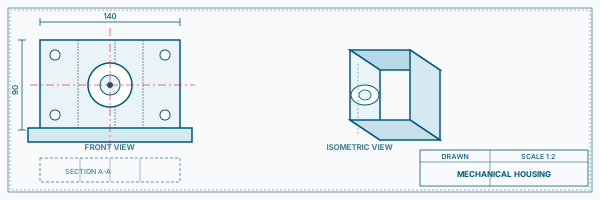
Consumer Product Concept to 3D Model
Mechanical CADConsumer Product Concept to 3D Model
Take a design brief from concept sketching through SolidWorks 3D modelling, assembly and rendered output.
Mechanical CAD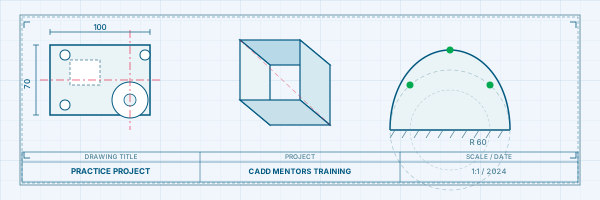
DFM Redesign Exercise
Mechanical CADDFM Redesign Exercise
Analyse an existing injection-moulded component for manufacturability issues and redesign to reduce tooling complexity.
Mechanical CAD Industrial Equipment Housing
Mechanical CADIndustrial Equipment Housing
Design a sheet metal or plastic enclosure for an industrial device considering wall thickness, ribs, draft and fixings.
Mechanical CAD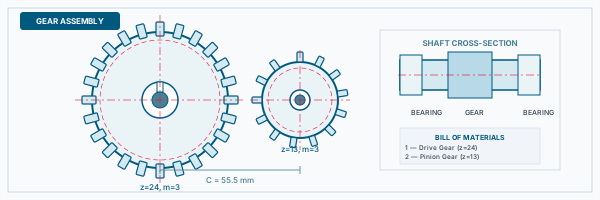
Assembly Optimisation Study
Mechanical CADAssembly Optimisation Study
Apply DFA analysis to reduce part count and assembly time on a small mechanical sub-assembly.
Mechanical CAD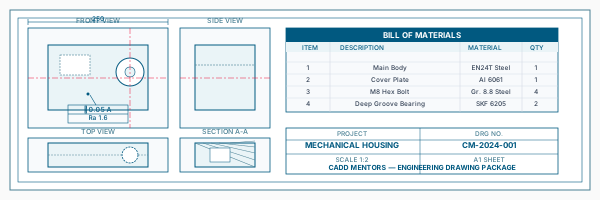
Product Drawing Package
Mechanical CADProduct Drawing Package
Produce a complete drawing set with GD&T annotations, material specification, BOM and assembly instructions.
Mechanical CADIs This Course for You?
Who Should Join Product Design and Development Course?
Mechanical engineering students targeting product design or R&D roles
Design engineers who want to understand the full product development lifecycle
Manufacturing engineers moving into product design or NPD teams
Graduates with CAD skills who want to apply them within a structured product development process
Working professionals in consumer goods, industrial equipment or automotive component design
Entrepreneurs and start-up engineers developing physical hardware products
After the Course
Career Opportunities After Product Design and Development Course
These are roles and sectors where this software skill is typically valued. Job outcomes depend on your background, portfolio and other factors.
Product design engineer in consumer electronics, appliance or industrial equipment companies
New product development (NPD) engineer in manufacturing organisations
R&D engineer in engineering design or product innovation teams
Design engineer at consultancies handling concept-to-manufacture product development
Mechanical engineer in start-ups developing hardware or IoT products
DFM/DFA engineer supporting manufacturing readiness in production environments
Training Delivery
Classroom, Online and Flexible Training Options
Classroom Training — HSR Layout, Bangalore
CADD Mentors provides classroom training support from its HSR Layout setup in Bangalore. Batch availability is limited and sessions are scheduled on a batch basis. Learn more about our HSR Layout centre →
Online Training — Live Instructor-Led, Pan India
Online training is available for students who prefer to learn remotely. The same syllabus, projects and instructor support are provided online. Students from across India join our online programmes.
Support
Frequently Asked Questions - Product Design and Development Course
- Is Product Design training available in Bangalore at CADD Mentors?
- Yes. The Product Design and Development course is available from our HSR Layout centre in Bangalore. Classroom sessions are batch-based. Online training is also available.
- What CAD software is used in this course?
- The course primarily uses SolidWorks for 3D part and assembly modelling. AutoCAD is used for engineering drawings and KeyShot is introduced for product rendering. The focus is on applying CAD within a product development process rather than software operation alone.
- Is this course suitable for mechanical engineering freshers?
- Yes. The course is structured for final-year students and recent graduates who have basic mechanical engineering knowledge. No prior industry product design experience is required.
- How is this different from a regular SolidWorks course?
- A SolidWorks course teaches the software. This product design course uses SolidWorks as a tool while teaching the broader methodology: concept generation, DFM, DFA, material selection, prototyping and documentation — the process used in real product development teams.
- What is the duration of the Product Design course?
- The Product Design and Development course at CADD Mentors is approximately 60 hours.
- Can I learn Product Design online through CADD Mentors?
- Yes. Online delivery is available with live instructor-led sessions, project feedback and the same syllabus coverage as classroom training.
Start Your CAD Learning Journey with CADD Mentors
Speak with our counsellor, choose the right course for your goal and attend a free demo before joining.